Adding calendar accounts
Weel leaves your data safe in iCloud by syncing with whatever your native Calendar app has access to. (Weel itself stores none of your data.)
Here's a video of how to add Google Calendar, Outlook, or other calendars to your iPhone, so that Weel can display them:
Don't like video? Scroll down for screenshots.
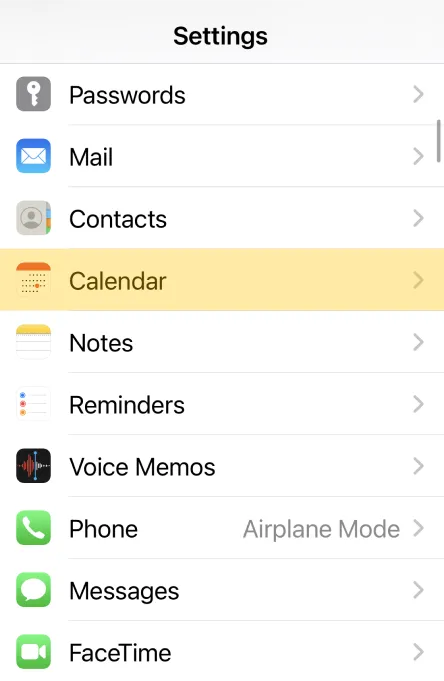
1. Open iOS Settings and tap Calendar
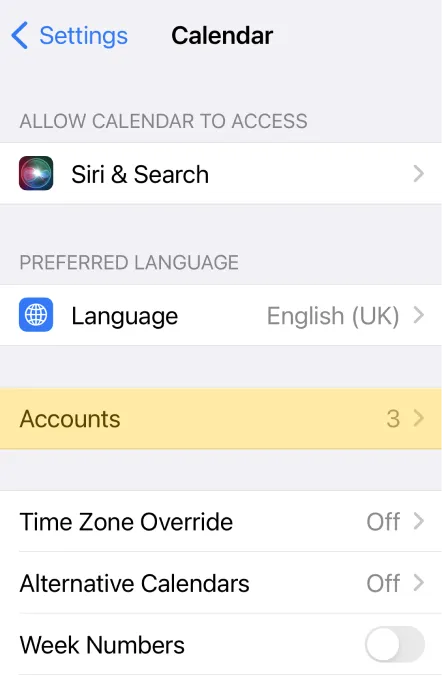
2. Tap Accounts
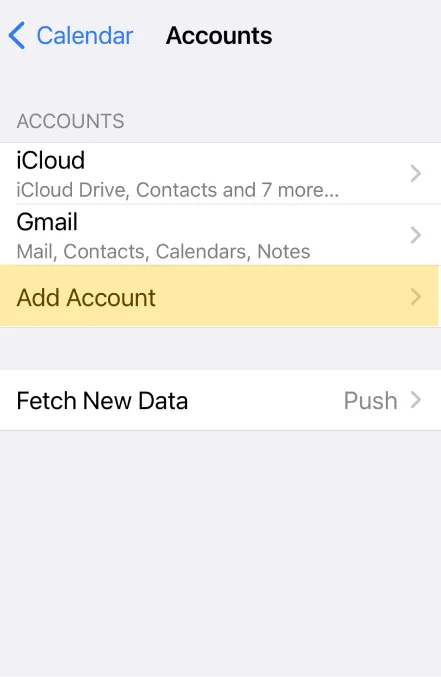
3. Tap Add Account
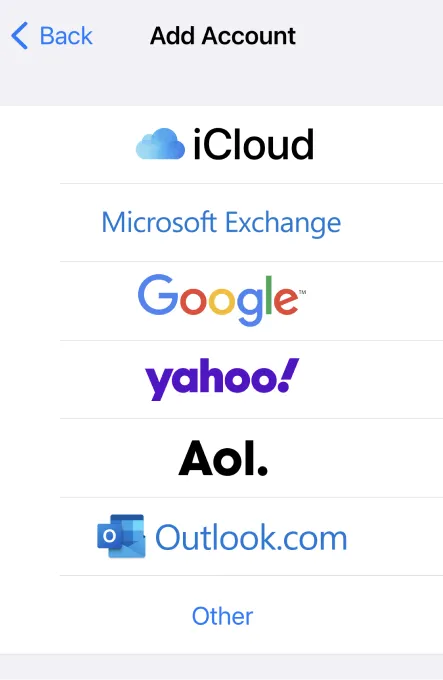
4. Choose your account and log in