Weel for families

Family logistics can be a complex challenge. Shared calendars are useful, but it can all become a cluttered mess. Weel offers tools to make it all go more smoothly.

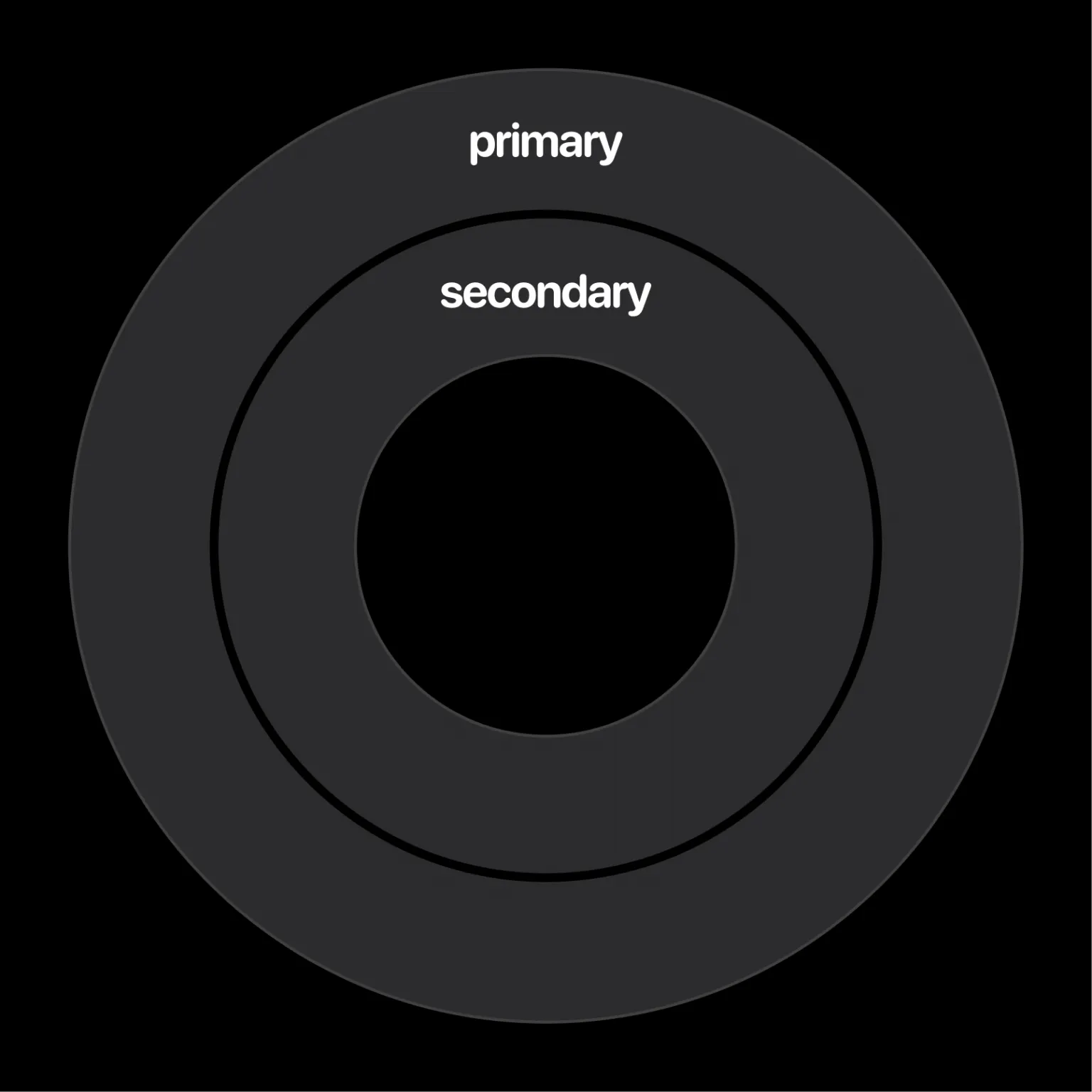
Two concentric calendar rings, the outer labelled primary and the inner labelled secondary

Two calendar groups

If you schedule meetings frequently with the same people, put their shared calendars into the inner ring, and see yours in the outer one. Be ambiently aware of what they’re doing without having their events interfere with your own. Weel also lets you mute both calendars and single events so they don't alert you or show up as "next".
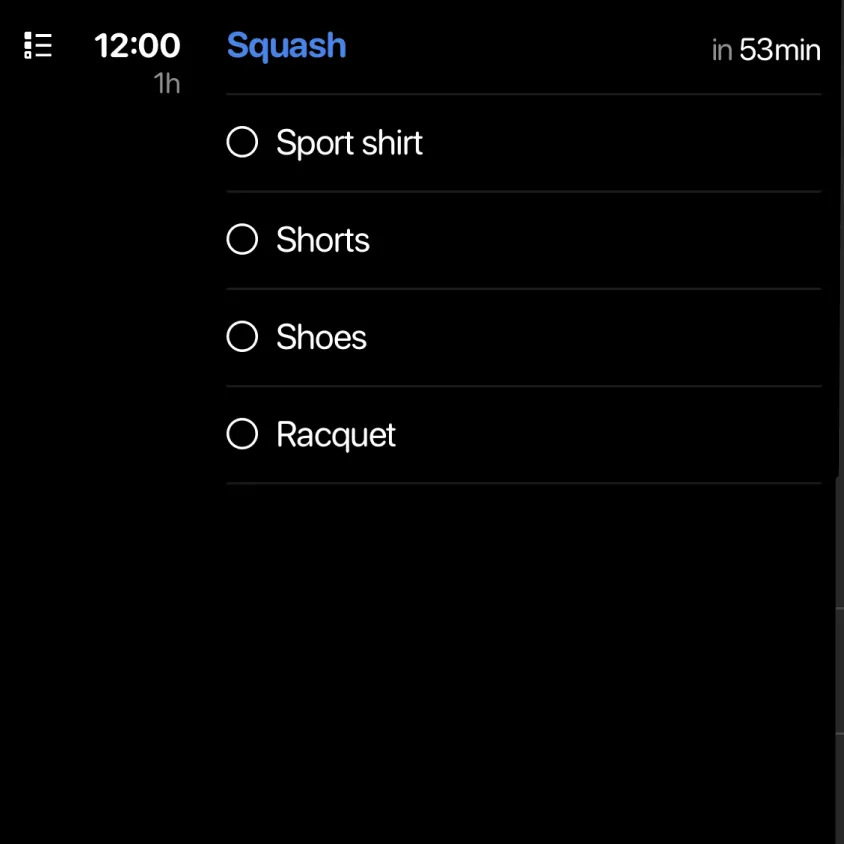
A 12:00 event called Squash with a checklist: sport shirt, shorts, shoes and racquet

Event checklists

Often events involving children require you to bring something. Sometimes one parent may have information that the other parent does not. Weel lets you add checklists to events, so it’s clear to all adults involved that Alice needs to bring a towel to soccer practice on Thursday. No more “I thought I told you!” It’s all in the calendar.

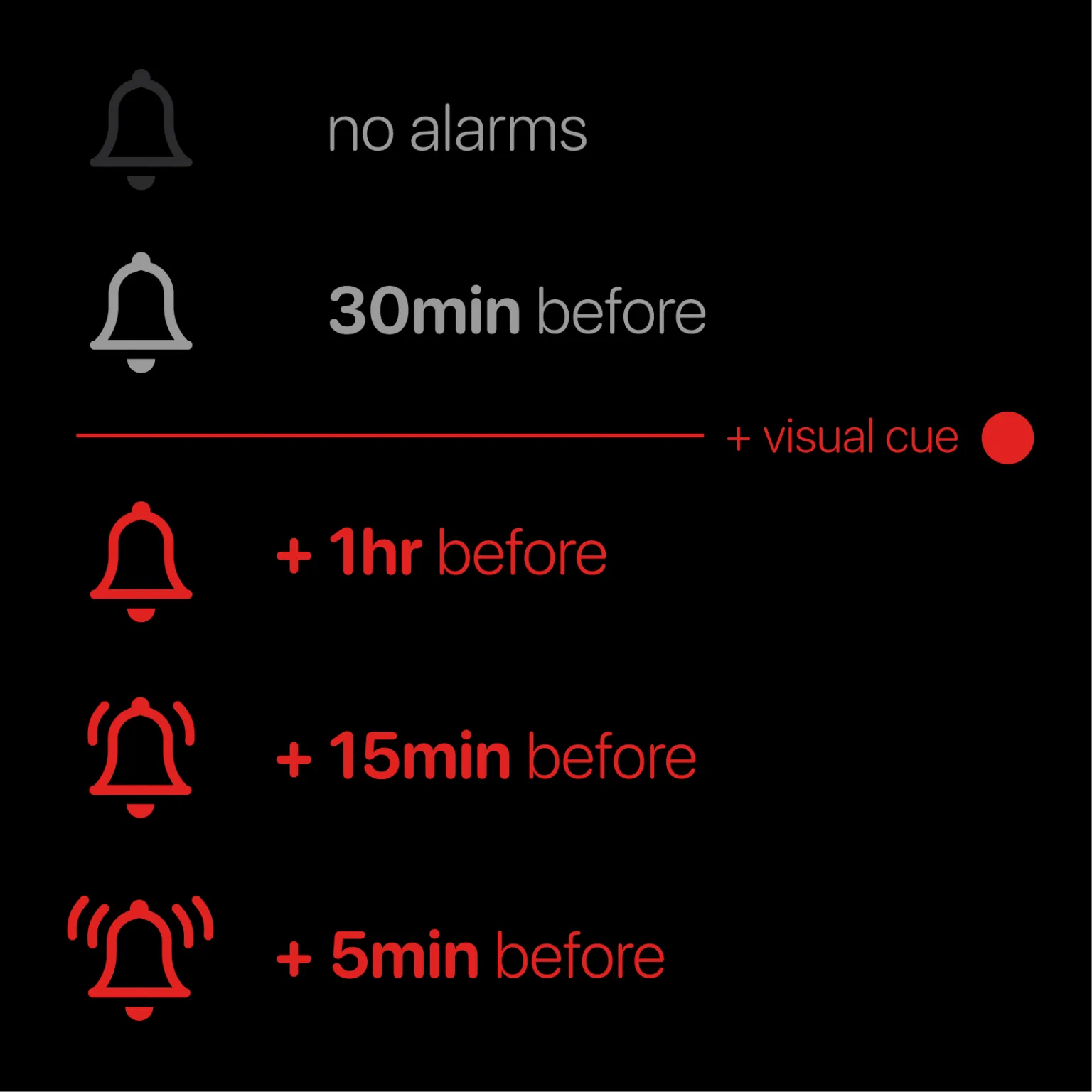
Alarm levels in Weel, from no alarms up to several stacked alarms plus a red visual cue

Hyperalerts

Some events are simply unmissable. In the clutter of events you really want that dance recital to stand out. Weel lets you set multiple alarms with one click. Make these appointments really stand out by adding an optional red visual cue to them as well.

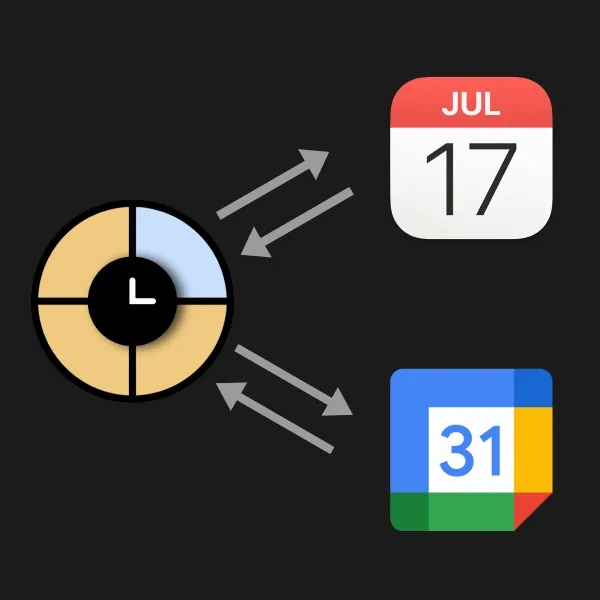
Weel logo exchanging data with Apple Calendar and Google Calendar

Plays nice with others, safely

Weel doesn’t store any of your calendar data. It acts as a window into whatever is already on your phone, and doesn’t send your data anywhere else. This means you can also use Exchange’s business-oriented features and Weel's all-day view and other features in parallel. The right tool for the right job, every time.

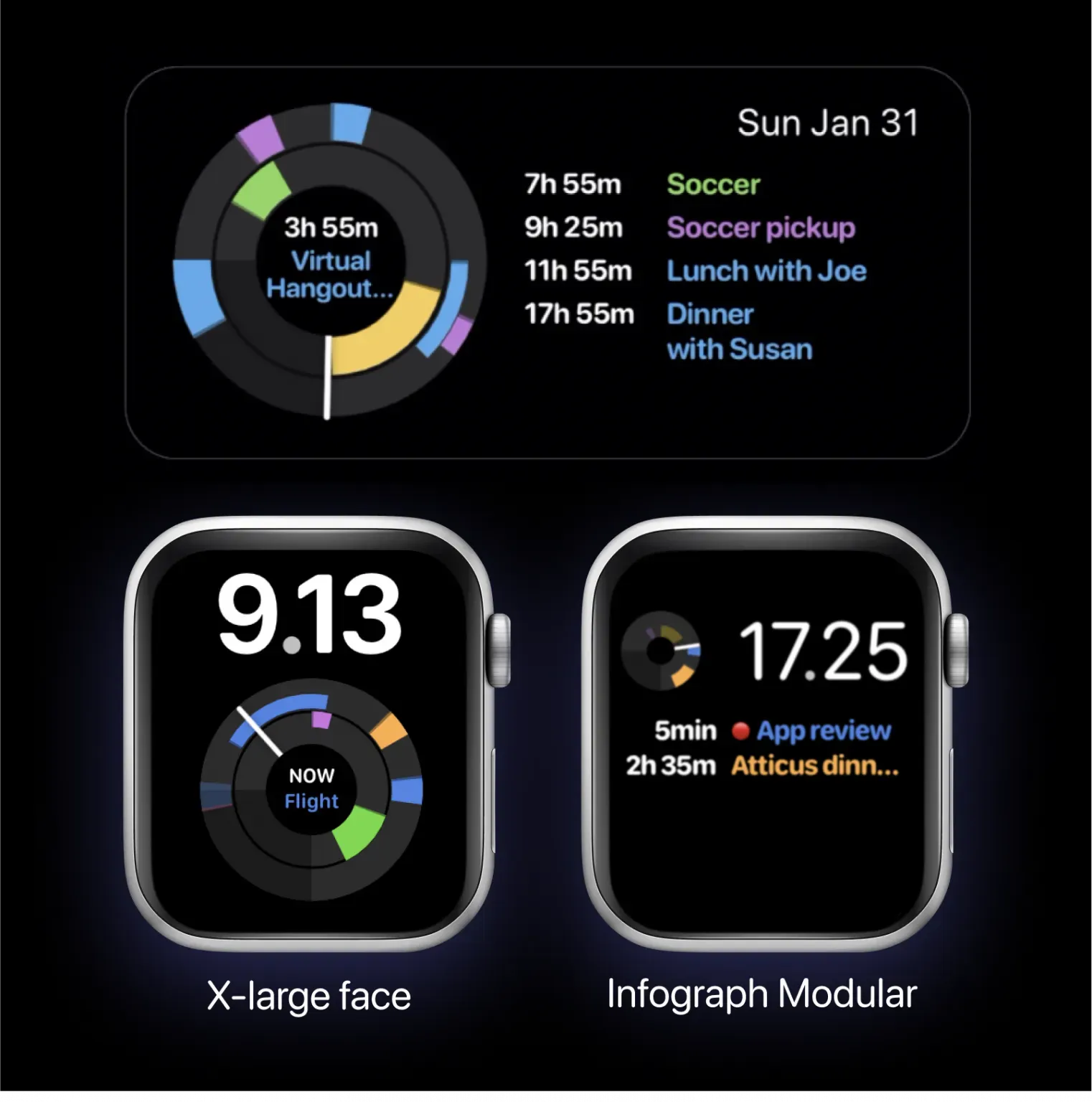
A Weel home screen widget and two Apple Watch faces, X-large and Infograph Modular, each showing the day dial

Your day on the go

Carry Weel with you on your Apple Watch and on your home screen with Weel's Apple Watch complications and home screen widgets.

Ready to get started?