ADHD Friendly

Traditional calendars are not ideal for people with ADHD.

Time blindness makes time slippery. Weel nails it down.

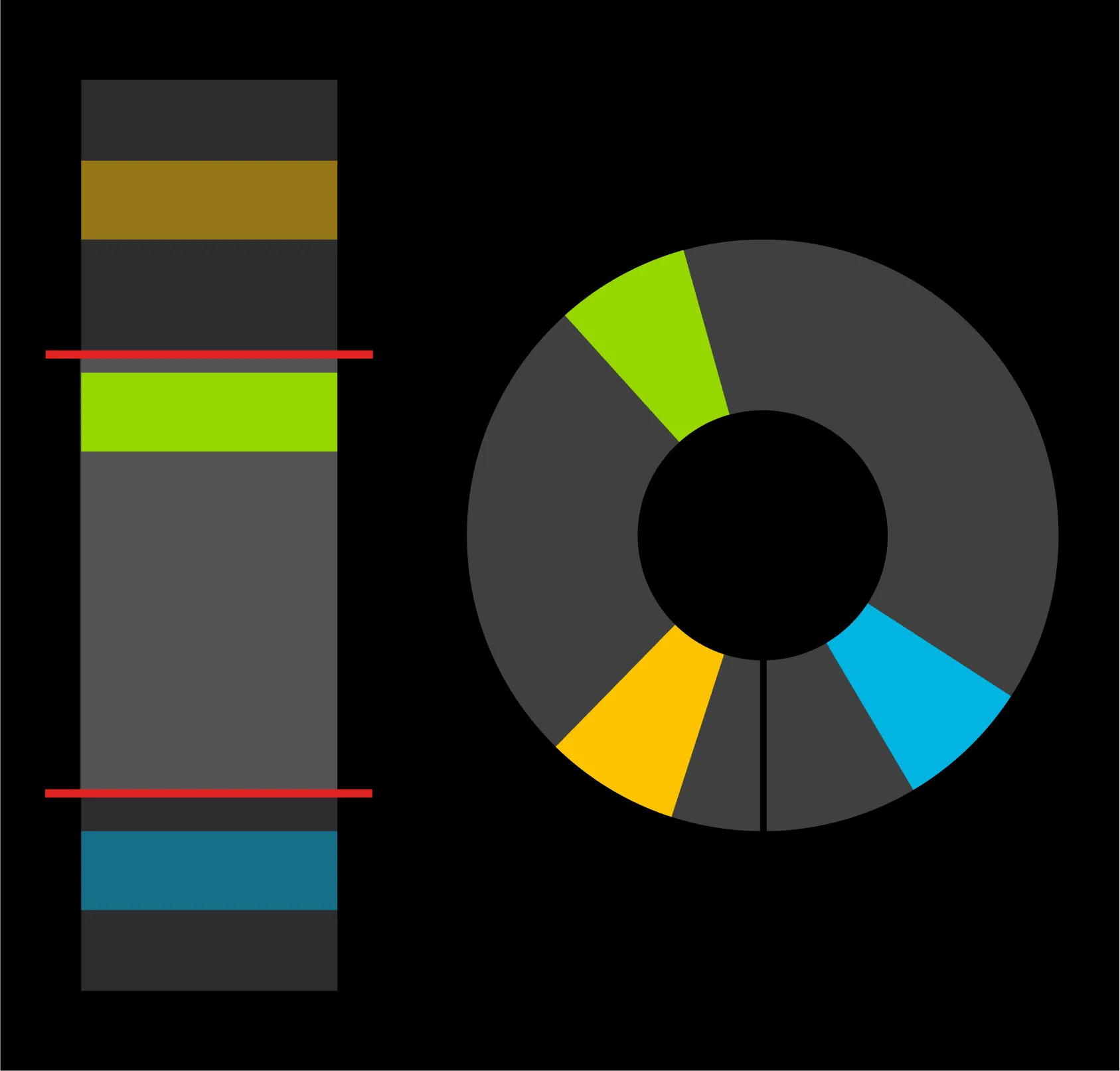
A linear calendar that only shows a slice of the day, next to a circular 24-hour dial showing every event at once

Time blindness

Linear calendars can only show you an arbitrary bracket of time at once. This leads to time "slipping around" as you scroll and lose appointments hidden outside that bracket. Weel shows your entire day as one fixed image so you won't miss a thing.
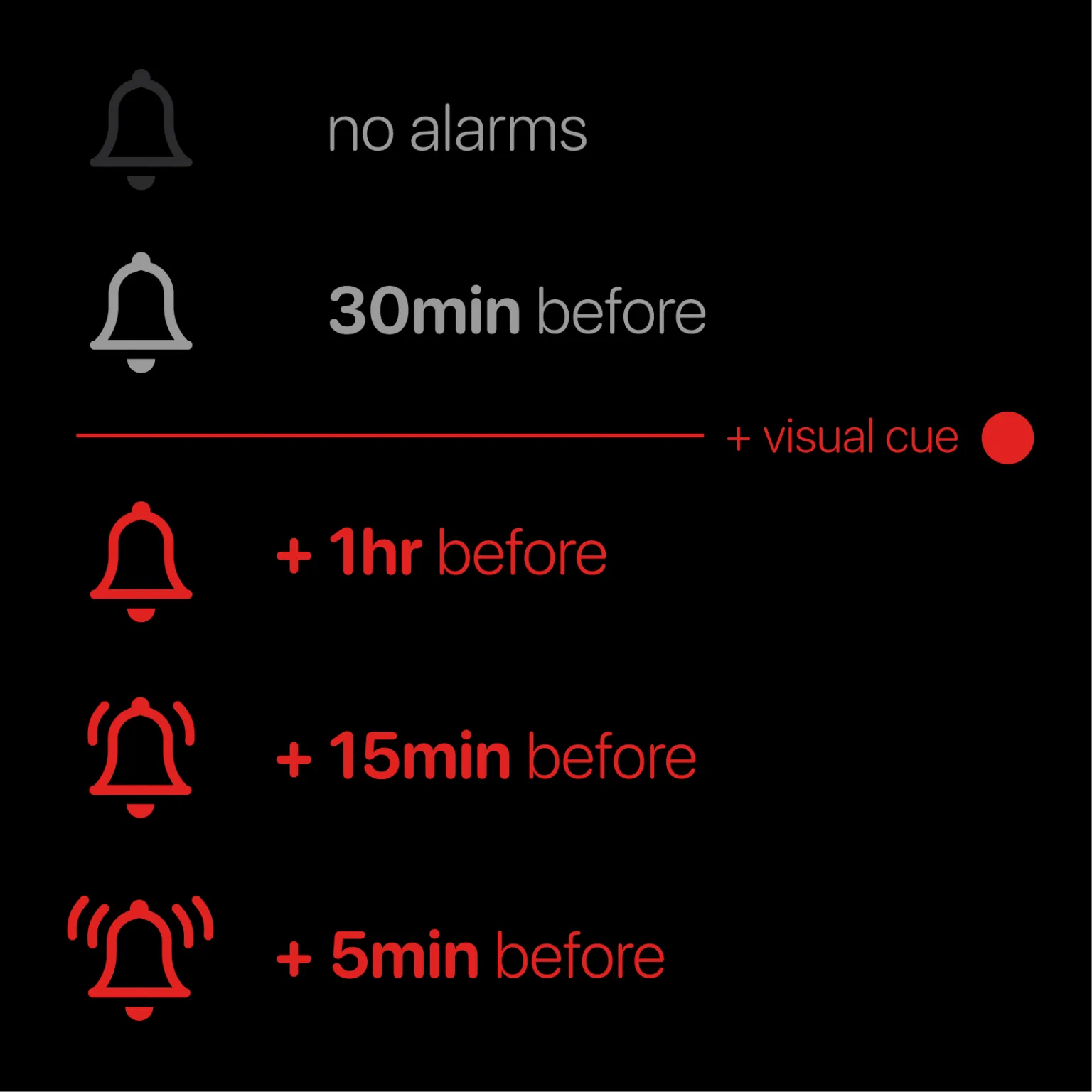
Alarm levels in Weel, from no alarms up to several stacked alarms plus a red visual cue

Alarm numbness

One alarm is never enough if you have a critical event. Weel lets you set multiple alarms with one click. Make these appointments really stand out by adding an optional red visual cue to them as well.

A 24-hour analog clock dial with the hour hand sweeping through all the hours of the day

Dyscalculia

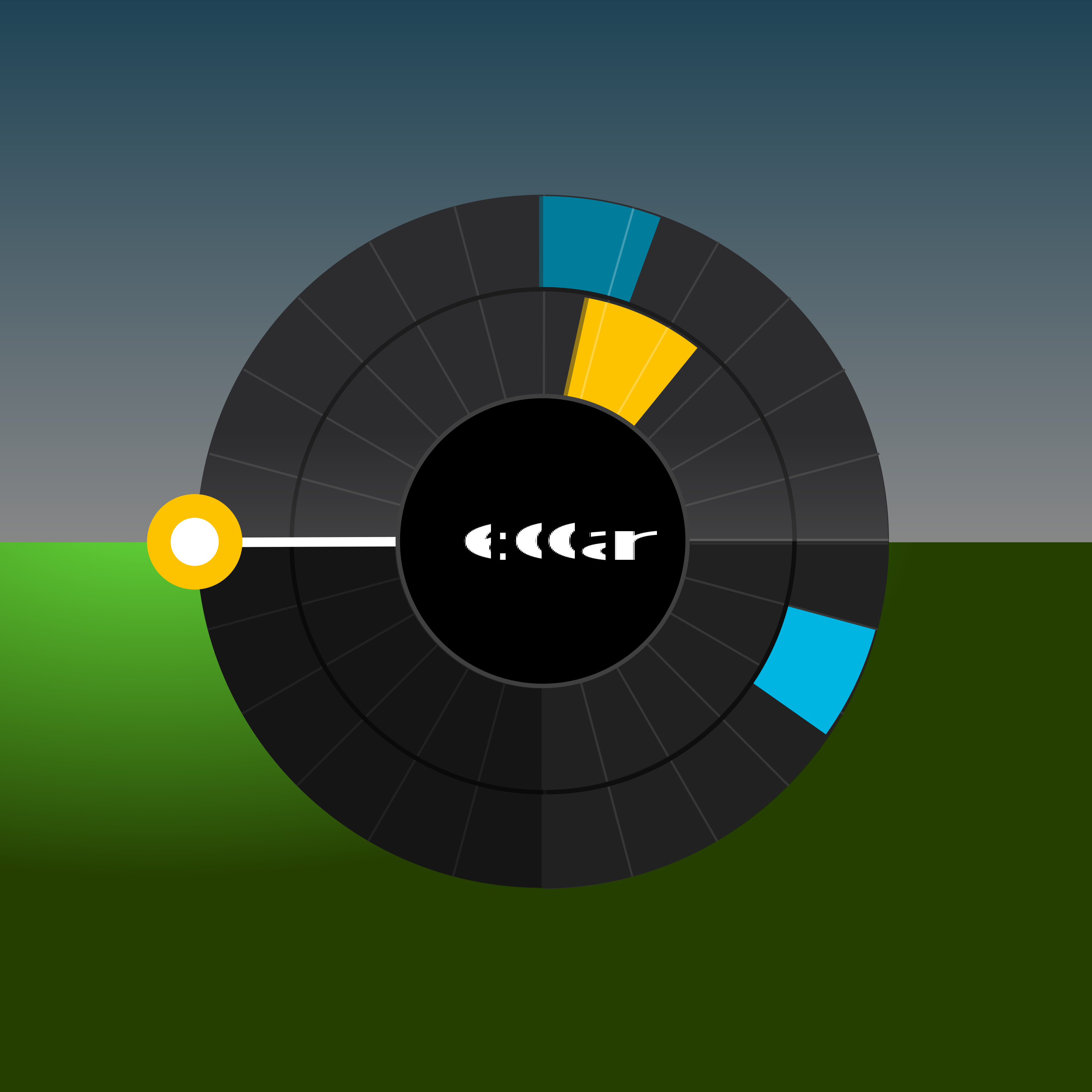
Times and dates can be hard to absorb when numbers are slippery. The 24-hour clock displays time in terms of direction or angle instead of numbers. The clock hand follows the natural movement of the sun across the horizon, and shows you how much time you have before your next event.

Animation: touching and dragging on the Weel day dial to create a new event

Touch and drag

Add a new event to your day by touching and dragging on the dial. Let go to set the start time. Give your event a name, tap done (top right), and that’s it. Fast and intuitive.

Animation: sliding the duration slider on a new event while a small dial previews it against the rest of the day

Slide to adjust

No more calculating the end time of an event that lasts, say, 1h 45min. Slide the duration slider, and Weel does the rest. The dial on the right also shows if you have other events on that day, so you won’t accidentally double book yourself.

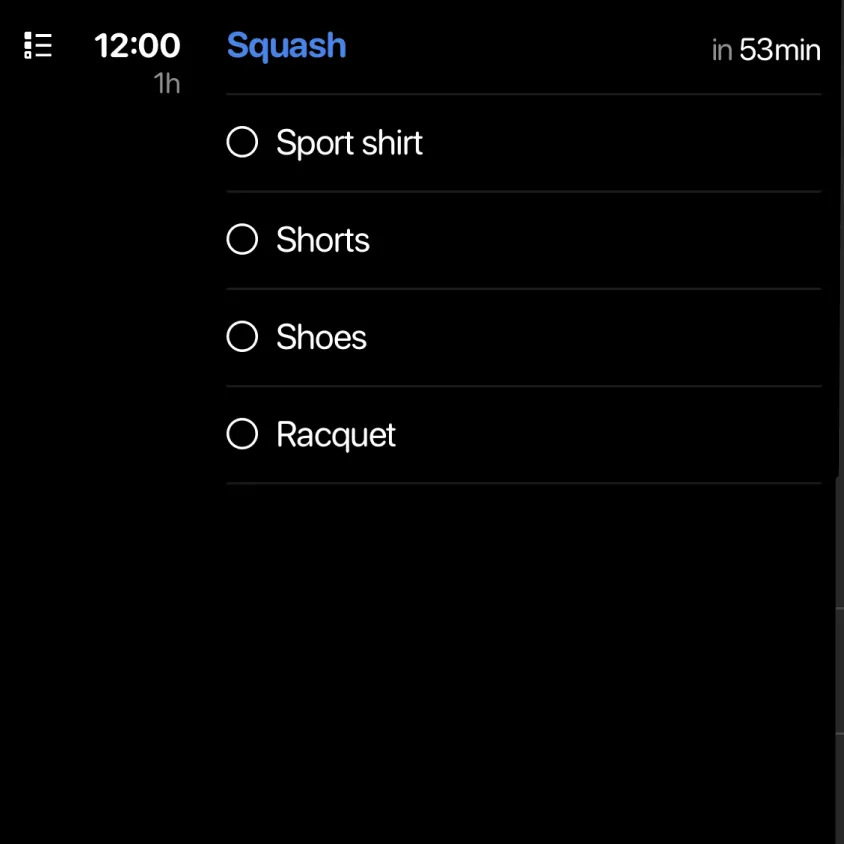
A 12:00 event called Squash with a checklist: sport shirt, shorts, shoes and racquet

Remember event-related tasks

It’s easy to forget to “bring that thing” once the time comes to actually go to an event. Weel lets you add checklists directly to an event, so you get the reminder you need just before you head out.

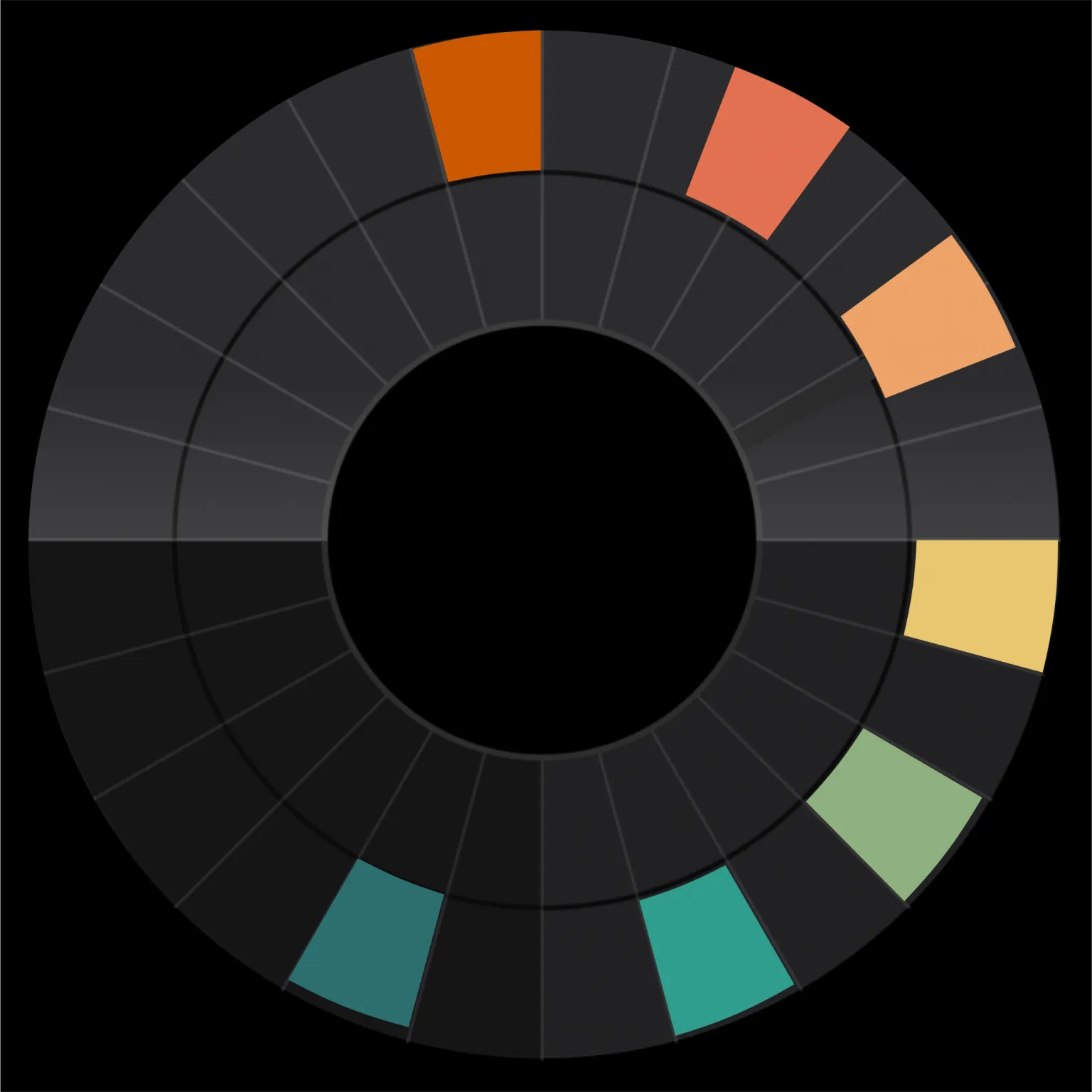
Day dial with events shown in a range of colours, from orange through yellow and green to teal

Color sensitivity and organization

Weel lets you edit the color of a single event in a calendar to make it stand out from the rest. We also provide ready-made color schemes for calendars and events, that work well for people with color sensitivity or color blindness.

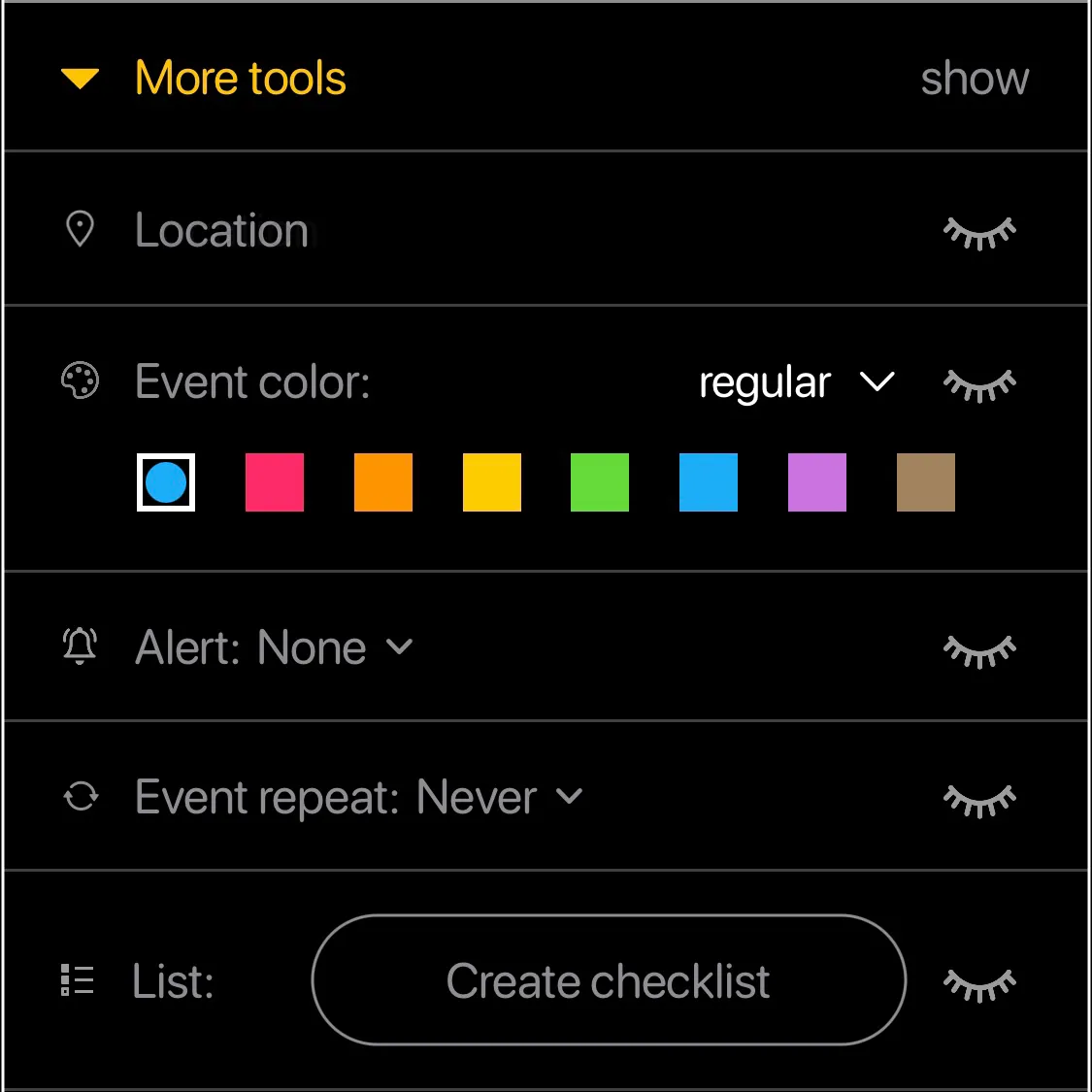
Event tools in Weel (location, event colour, alert, repeat, checklist), each with a show/hide toggle

Customize your tools

Too many event options generate clutter. Too few aren't great either. Weel lets you show exactly the tools you use the most, and gets the rest out of your way.

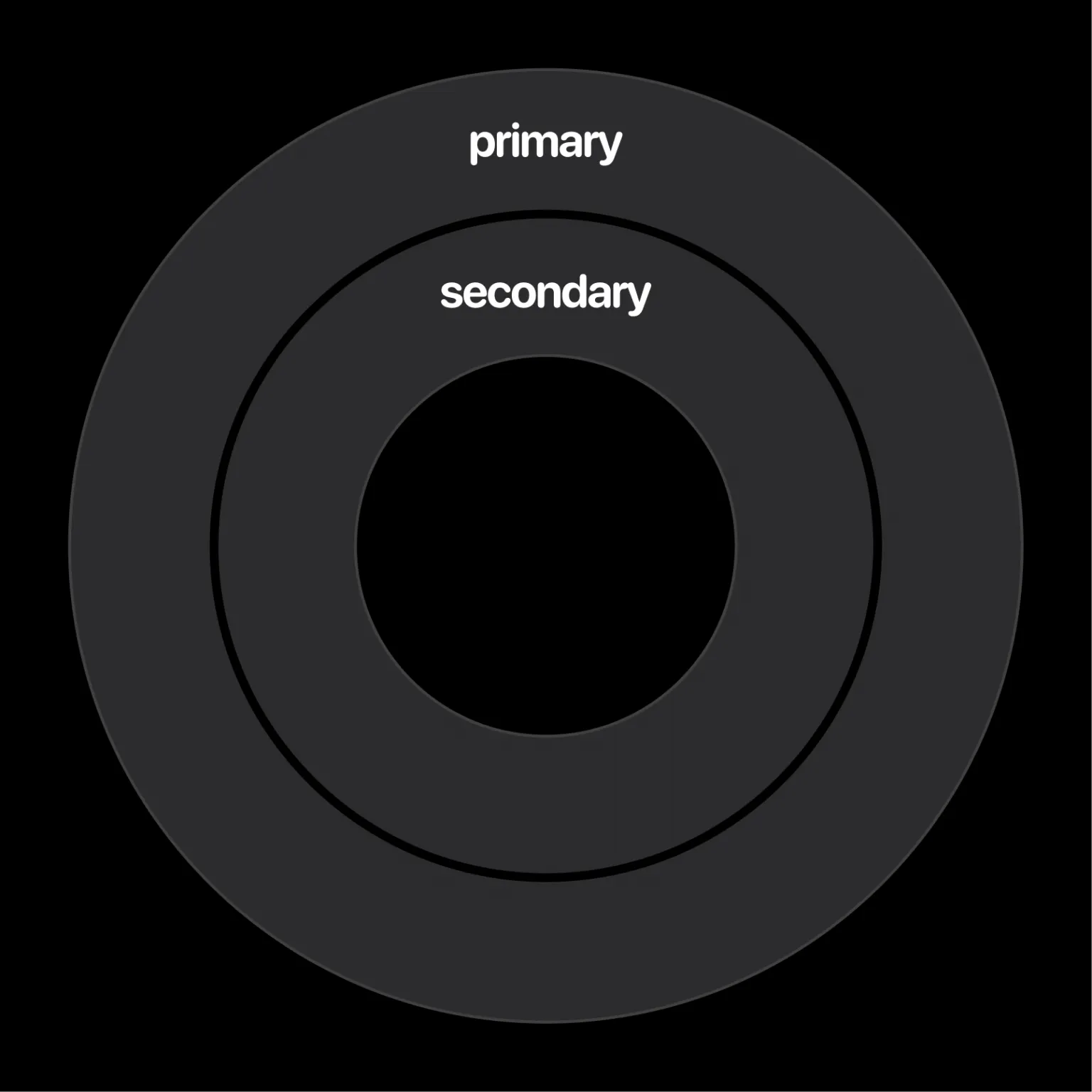
Two concentric calendar rings, the outer labelled primary and the inner labelled secondary

Eliminate distraction

Shared calendars can become clutter in yours. Weel has two ring "folders" to let you separate more important calendars from less important ones. You can also mute both calendars and single events.

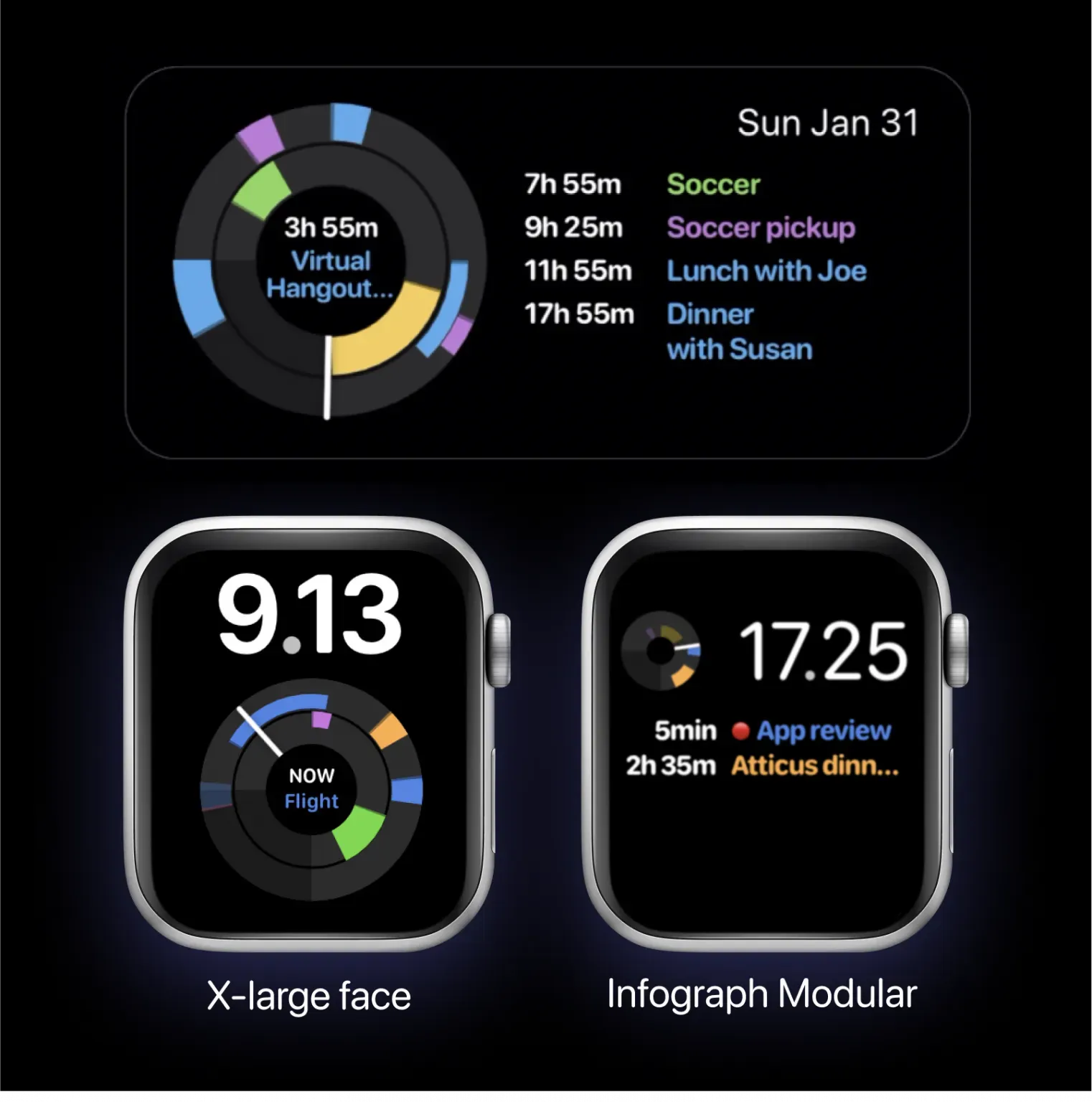
A Weel home screen widget and two Apple Watch faces, X-large and Infograph Modular, each showing the day dial

Your day outside the app

Sometimes you need to be reminded of the same thing in various ways. See the image of your entire day either on your Apple Watch or on your home screen with Weel's Apple Watch complications and home screen widgets.

Ready to get started?